 Annotation practice
Document annotation tools for LLMs and RAG: what to label before you index
Why RAG accuracy depends on labelled documents, and what to look for in document annotation tools for layout, tables, scans, and audit-ready review.

Sonu Soni
· 5 min read
- Annotation practice
- RAG
- Document AI
- Annotation
Contents
Executive summary
Document annotation for RAG means labelling the structure of your source files (headings, tables, fields, reading order, and which passage answers which question) so a retrieval pipeline indexes meaning instead of raw characters. The right document annotation tools let you label that structure, have trained reviewers verify it, and keep a record of who changed what. Retrieval quality is capped by what survives parsing.
Why do RAG systems fail on documents that look fine to people?
A contract, a lab report, or a claims form reads cleanly to a person because the layout carries meaning. The column header tells you what the number means. The footnote limits the clause. The heading tells you which policy section you are in.
A PDF does not store any of that as meaning. It stores characters and coordinates. When a pipeline extracts text, splits it into chunks, and embeds those chunks, layout is the first thing lost. A table becomes a run of numbers with no headers. A two-column page interleaves sentences from both columns. A clause loses the section title that made it relevant.
The model then retrieves the wrong chunk, or the right chunk stripped of the context that made it answerable, and generates a confident answer anyway. Teams usually start debugging at the embedding model or the reranker. Often the problem started earlier, at extraction.
How much does document structure actually change RAG accuracy?
Two published results are worth knowing.
In a 2024 study, researchers compared two RAG pipelines that used the same embedding model and the same LLM. The pipeline with a structure-aware PDF parser gave the better answer on 47% of 302 test questions, tied on 38%, and lost on 15%. The only variable was how the documents were parsed and chunked (Lin, arXiv 2401.12599).
In September 2024, Anthropic reported that adding a short, document-aware context line to each chunk before indexing cut top-20 retrieval failures by 49%, and by 67% when combined with reranking, taking the failure rate from 5.7% to 1.9% (Anthropic, Contextual Retrieval).
Both findings point to the same lesson. The model is rarely the bottleneck. What the retriever can see is, and that depends on whether the pipeline has been told, by people or by a model that people check, what each part of the document is.
What does document annotation for RAG involve?
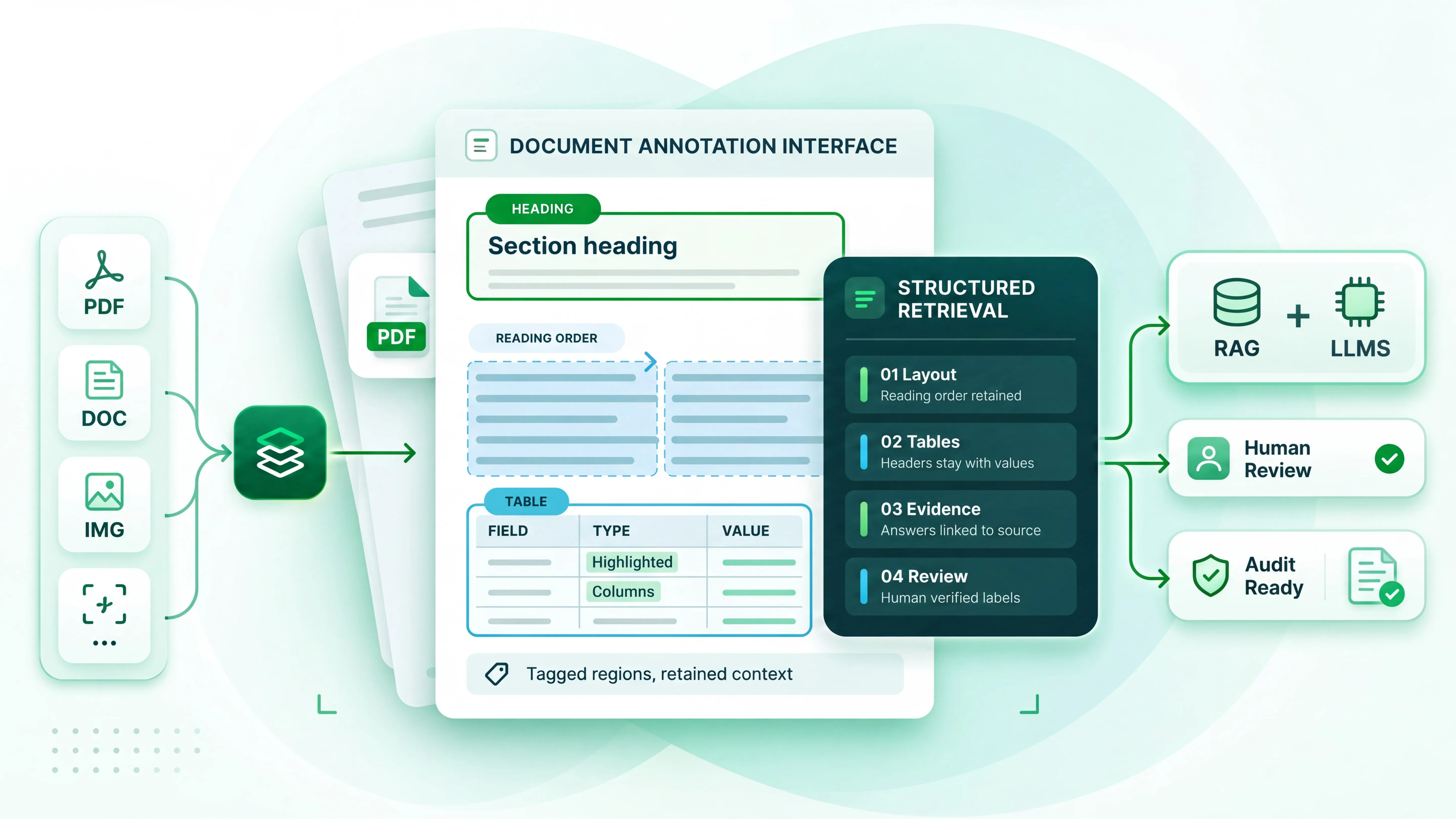
Document annotation for RAG is less about tagging every word and more about making structure explicit. In practice, it covers five layers:
- Layout and reading order: regions marked as heading, body, table, figure, caption, header, or footer, so text is extracted in the order a person reads it.
- Table structure: rows, columns, header cells, and merged cells labelled so a value never travels without its header.
- Key fields and entities: structured extraction of the fields that matter, such as policy number, dosage, invoice total, or effective date, linked to their location on the page.
- Section hierarchy: which clause belongs to which section, so every chunk inherits the right parent context.
- Question and evidence pairs: a set of real questions, each linked to the exact passage or cell that answers it. This is your golden set, and it is the only honest way to measure retrieval.
The last layer is the one most teams skip, and it is the one that tells you whether the first four worked.
Image annotation for PDF: what changes when the page is a picture?
Many enterprise documents are scans: signed forms, faxed referrals, decades of archived records. Here document annotation becomes image annotation PDF work. Annotators draw bounding boxes on the page image, mark regions by type, and correct OCR output against what the page actually shows.
This matters because OCR errors do not stay put. A misread digit in a dosage field or a merged table row gets embedded, retrieved, and quoted back to a user. A good image annotation PDF workflow pairs region labelling with text verification, so those errors are caught before they reach the index rather than after someone spots a wrong answer.
The practical rule: if a document was ever printed and scanned, treat it as an image first and text second.
What should you look for in document annotation tools?
Most search results for document annotation tools are PDF markup apps built for highlighting and comments. Those serve human review, not model training or grounding. For LLM and RAG work, the bar is different. Here is a working checklist:
- Native document handling: PDFs, scans, and multi-page files opened as documents, with the page image and extracted text side by side.
- Region and table labelling: boxes, polygons, and table grids, not only text spans.
- Model-assisted pre-labelling: a model proposes regions and fields, and people verify them. This is where the speed comes from.
- Measured reviewer agreement: inter-annotator agreement reported per task, so quality is a number rather than a claim.
- Export that matches your pipeline: structured output with coordinates, labels, and hierarchy intact.
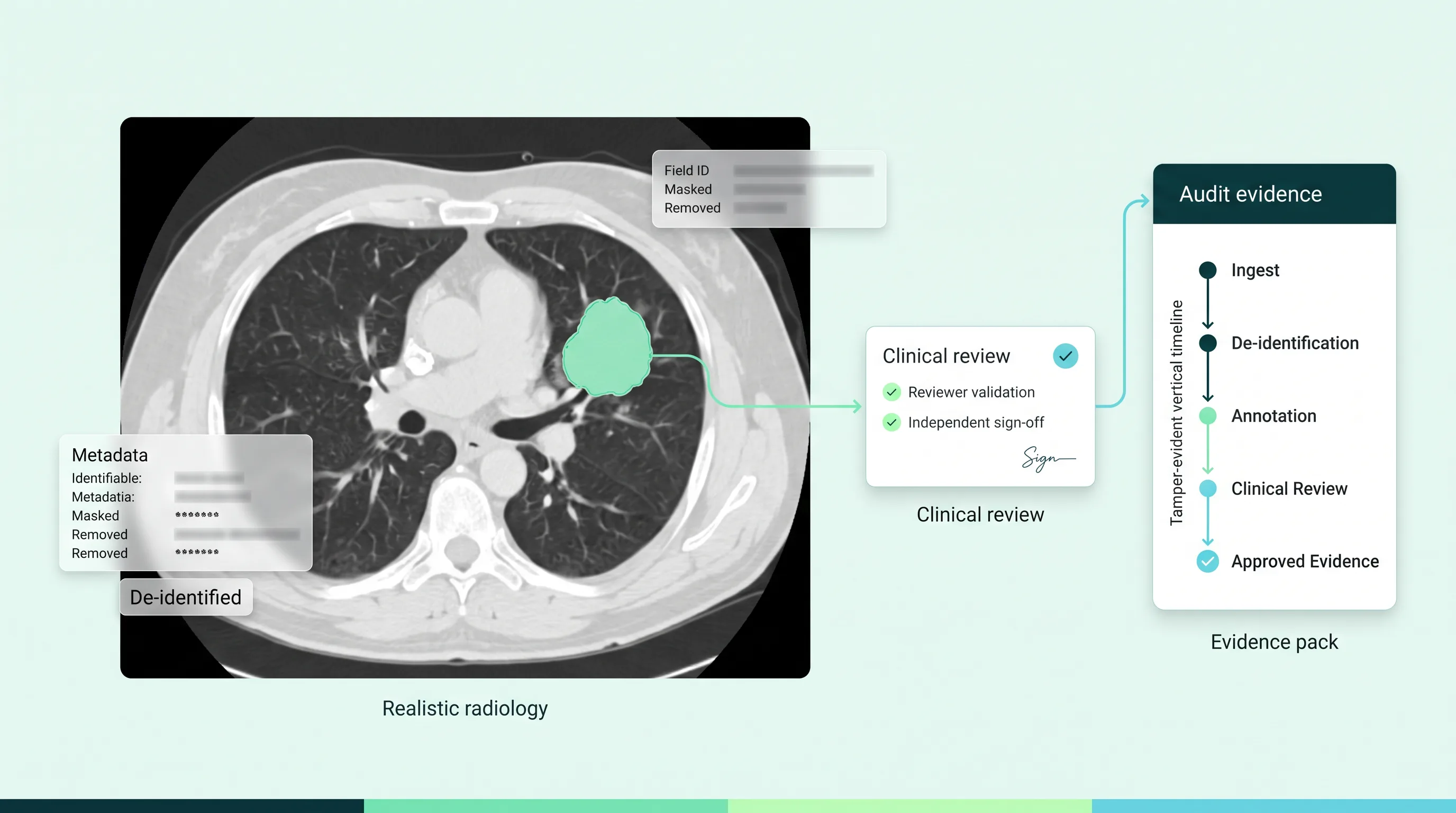
- An audit trail: who labelled, who reviewed, what changed, and when. In regulated settings, this record is part of the deliverable.
If a vendor’s document annotation tools cannot show you the last two on a sample of your own documents, the rest of the feature list matters less.
Who should do the labelling: the model, people, or both?
Automated parsing has improved quickly, and for clean, born-digital documents it is often good enough on its own. The trouble starts with the exceptions: scans, handwritten fields, nested tables, and domain terms a general model misreads.
The pattern that holds up is model first, human verified. A model pre-labels layout and fields at volume. Trained reviewers check every item on high-risk document types and a measured sample on the rest. Disagreements go to a senior reviewer, and the resolution is logged. This keeps cost close to automation while keeping errors out of the index.
How LabelFort handles document annotation for RAG
On LabelFort, Predusk’s data annotation platform, document work follows that same loop: AI-assisted pre-labelling for layout, tables, and key fields, then review by trained human annotators, then export with the full audit log attached. Projects run against an inter-annotator agreement threshold above 0.90 Cohen’s kappa, and every label and review decision is recorded. Regulated projects run on an on-premises annotation floor in India where phones, paper, and personal devices are not allowed in, and entry and exit are logged by name. LabelFort operates under ISO 27001:2022.
Where we are not the right fit: if your documents are clean, born-digital, and low-risk, and you need a quick internal prototype, an open source parser plus careful spot checks will likely serve you better. LabelFort earns its place when wrong answers carry consequences and someone will ask you to prove how the data was prepared.
The takeaway
Better RAG rarely starts with a bigger model. It starts with documents the retriever can actually read: structure labelled, tables intact, scans verified, and a golden set that tells you whether any of it worked. Document annotation for RAG is that groundwork. Choose document annotation tools by what they let you prove, not only by what they let you label.
Recommended for you
Annotation practice Product updates
 Annotation practice
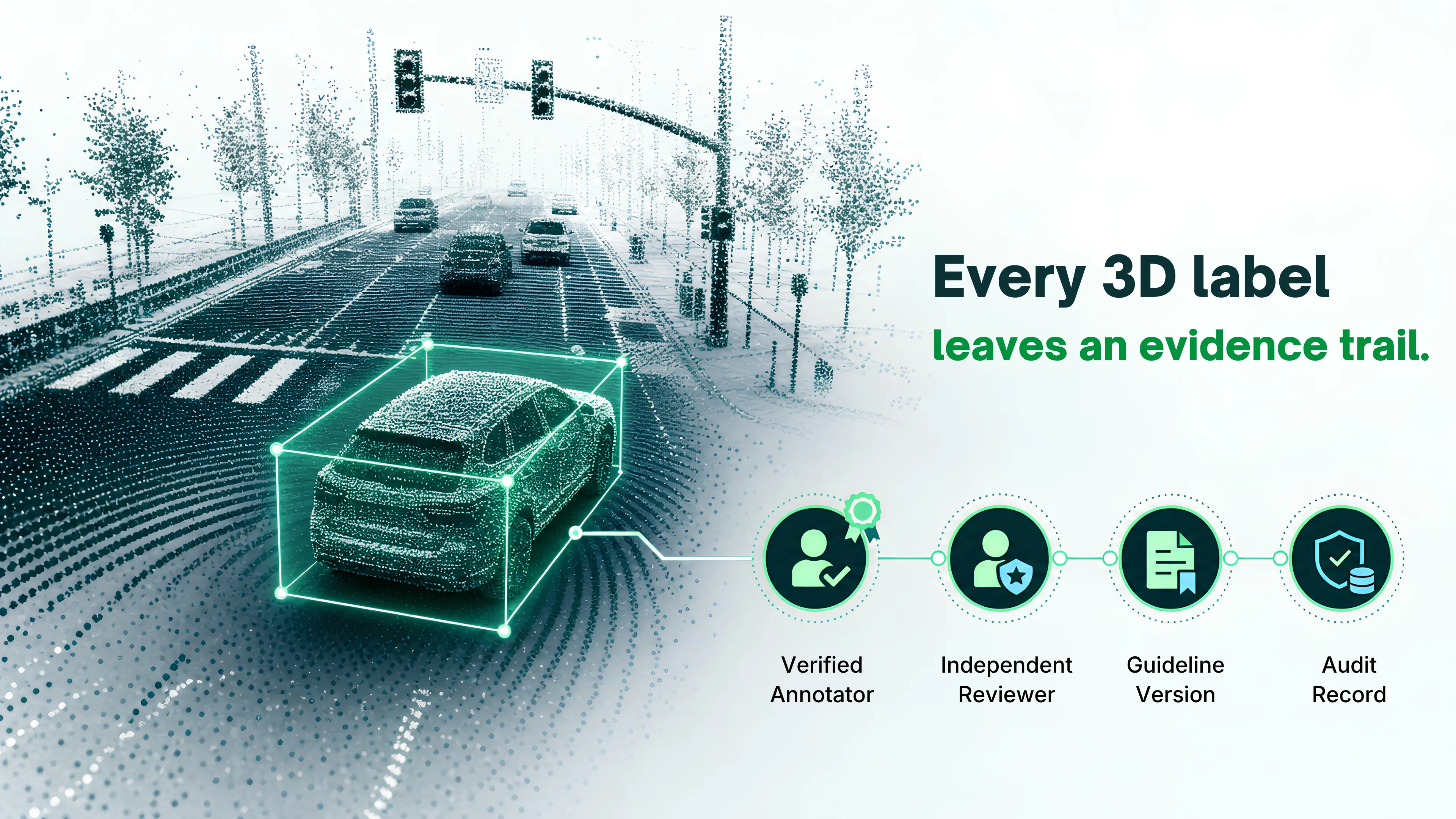
This is the evidence LabelFort ships by default.
IAA scored per cohort, audit trails on every action, evidence exports mapped to EU AI Act Articles 10 & 12.
Certifications & readiness